

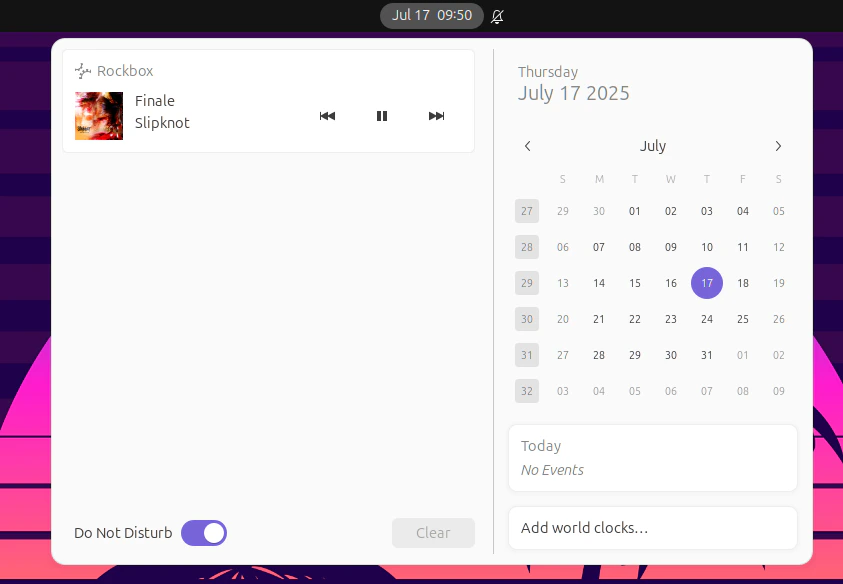
rockboxd registers itself on the session bus as
org.mpris.MediaPlayer2.rockbox. This makes media keys, Now Playing
applets, KDE/GNOME notifications and tools like playerctl Just Work.
Capabilities
The MPRIS interface is implemented incrates/mpris/ and exposes:
- Player interface — Play, Pause, PlayPause, Stop, Next, Previous, Seek, SetPosition, Metadata, PlaybackStatus, LoopStatus, Shuffle, Volume
- Root interface — Identity, DesktopEntry, SupportedUriSchemes, SupportedMimeTypes
- TrackList interface — partial (track-level queue introspection)
Quick test
Wiring up media keys
GNOME and KDE pick up MPRIS players automatically — no setup needed. For sway / Hyprland / dwm:Now Playing applet
GNOME Shell, KDE’s Media Player widget, polybar’smpris-tail, waybar’s
mpris module — all consume MPRIS metadata directly.
macOS
macOS has its own Now Playing system. Rockbox publishes to it through theMPNowPlayingInfoCenter API; you don’t need MPRIS on Mac. Media keys work
out of the box.